The FindIt story
How FindIt happened
I built FindIt because I could never remember where I'd put anything. Keys. Wallet. Glasses. Always “somewhere.” After more than a decade building machine-learning systems (the things we now casually call AI), I figured finding objects in pictures couldn't be that hard. Wrong!
The maths problem
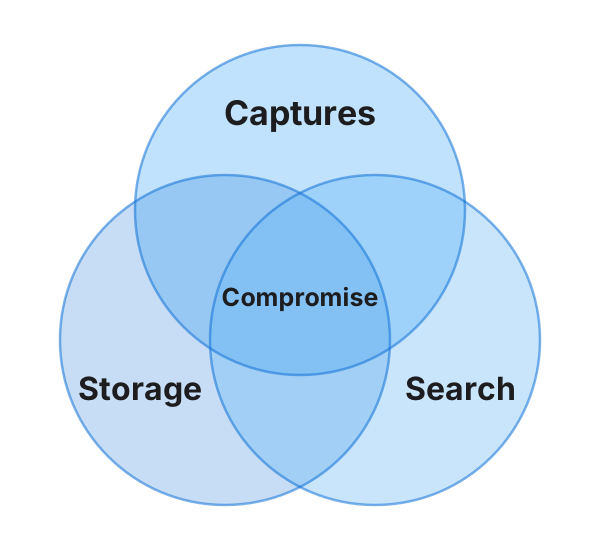
To catch the moment you set something down, you need a lot of pictures. One every five minutes and you miss it. One every second and you drown in pictures you can't store or search. Search time is a compromise: thirty seconds feels slow when you're staring at a screen, but it might still be worth it for your lost keys. Ten minutes isn't. FindIt lives in the narrow gap between capture rate, storage cost, and search speed.
The camera problem
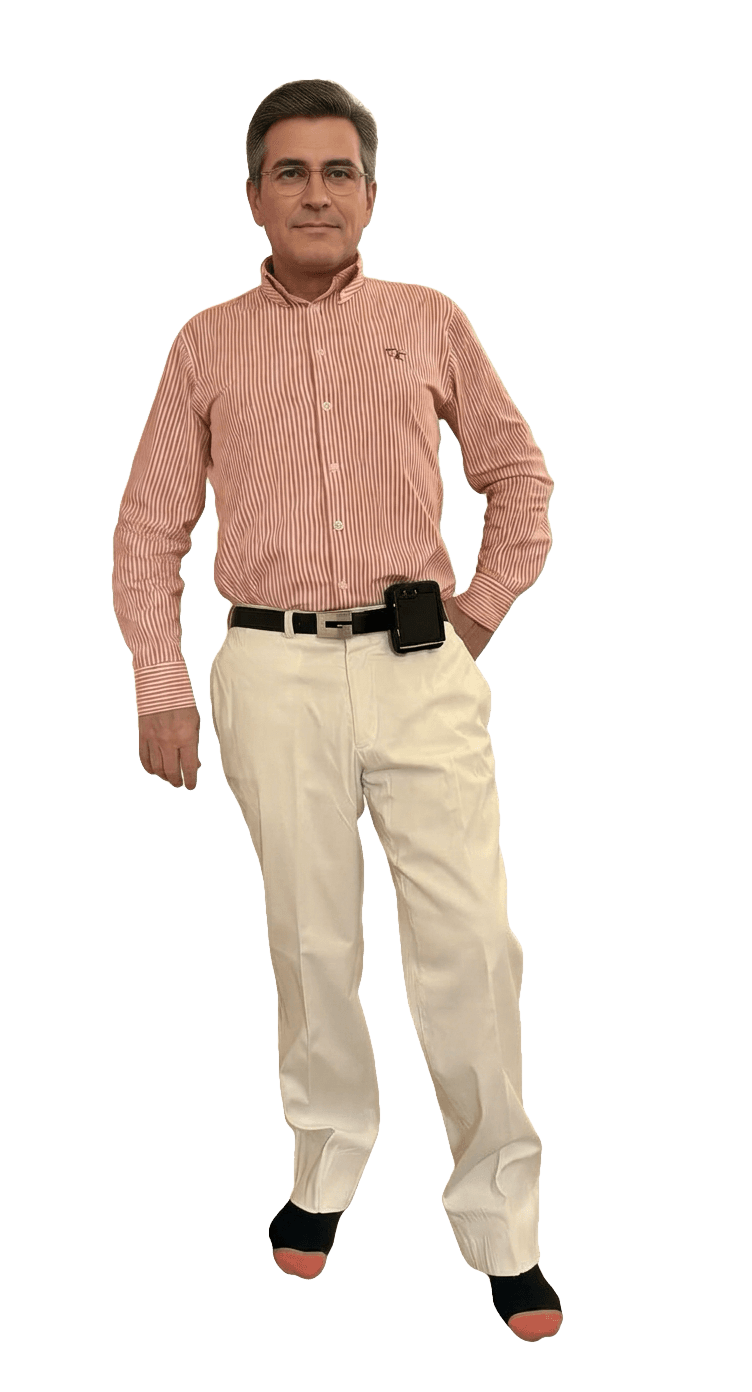
The camera has to go everywhere with you, run on a battery, and actually point at what you're doing. A phone in your pocket mostly sees pocket. It also has to send hundreds of pictures to a server. It was becoming clear why nobody had done this before.
Version one: the “normal” way

I built it the way everything is built now. Website. Phone apps. A server that received your pictures and another that searched them. That meant accounts, sign-in, uploads, and a subscription (servers are expensive). It worked — as long as you were online. It also kept a continuous picture diary of your life on someone else's computer. If the NSA can't keep hackers out, what chance did FindIt?
Then came smart glasses
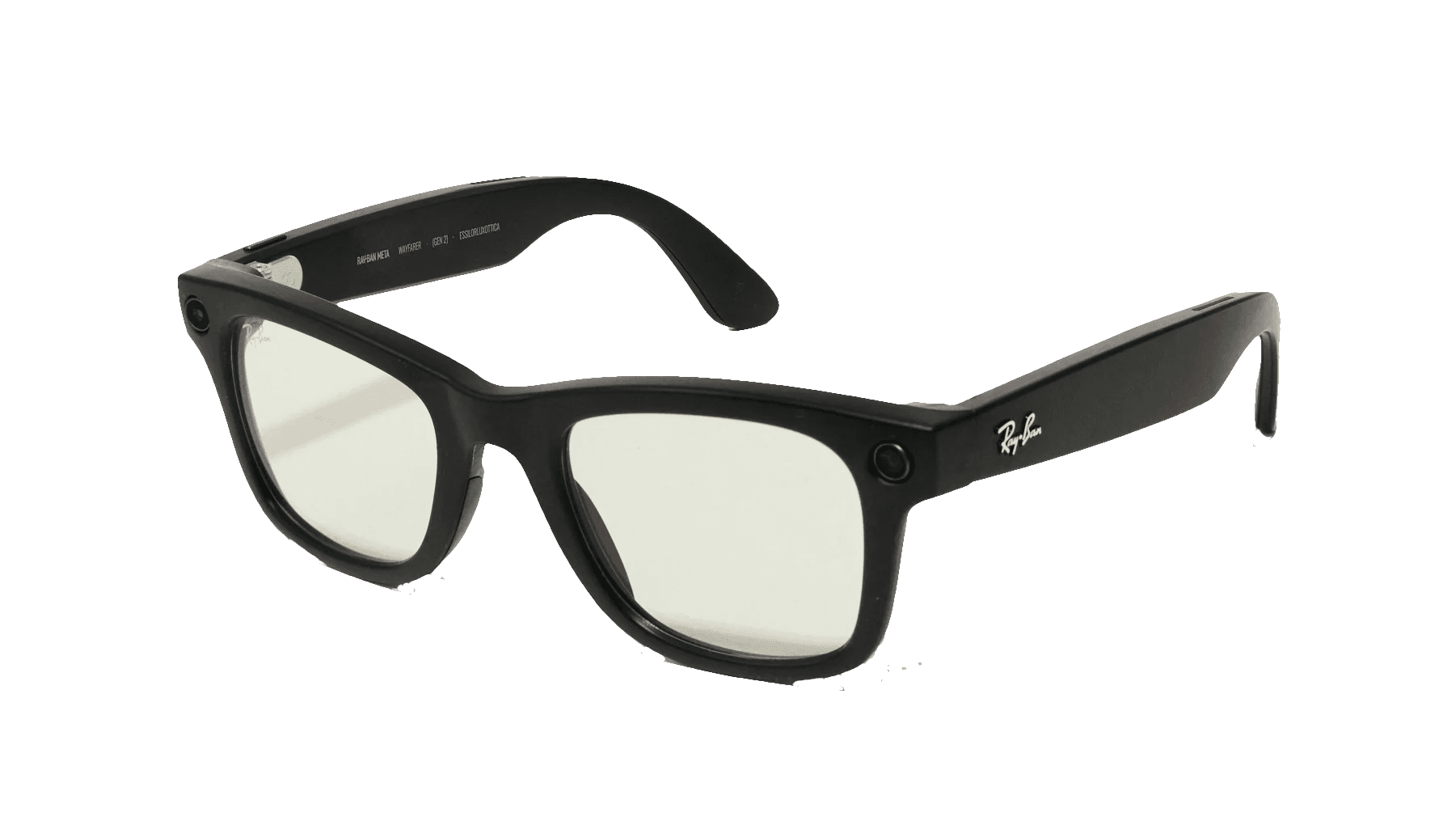
Meta's Ray-Bans and Oakleys finally gave FindIt the camera it needed: one that sees what you see. I wore them for a couple of months — far more practical than a phone on your hip! But sending every picture to a server drained the battery, burned through data allowances, and kept raising the same awkward question from people around me: “What about privacy?” They were right.
So I dropped the server
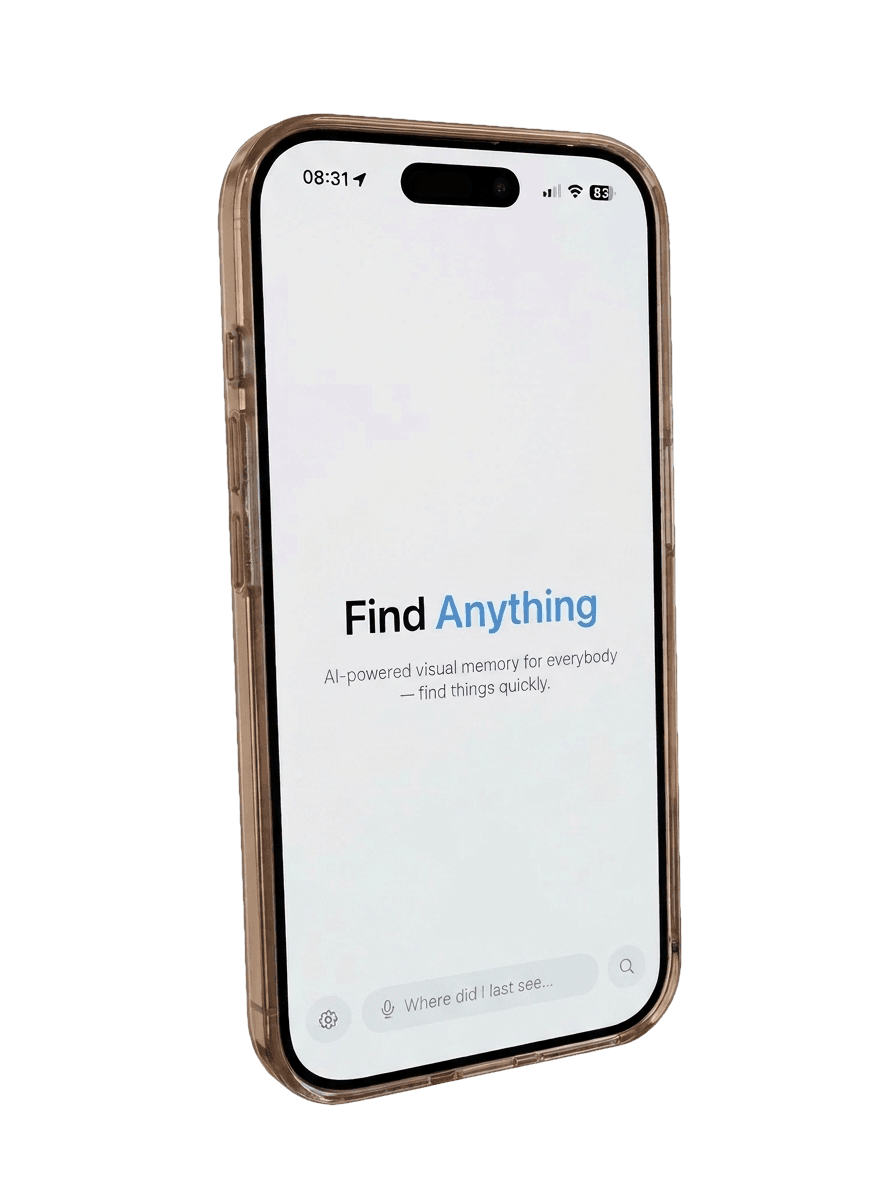
Everything now happens on your phone — capture, storage, and search. No account. No sign-in. No upload. No subscription. It works offline. Your pictures never leave the 'phone.
Could a phone really do the searching?

A server has racks of power-hungry AI chips. A phone has a battery. But Apple has been quietly packing iPhones with AI hardware that mostly sits idle. Within a month of development, a two-year-old iPhone 16 Pro was searching nearly 2,000 pictures a minute — twice what I'd managed on an Apple M1 Max.
Secret Plans and Clever Tricks

FindIt throws away dark, blurry, and repeated pictures before it stores them. When you search, a fast first pass surfaces the images most likely to contain what you asked for. It then examines those closely, newest first, so the most recent sighting appears at the top. You can search days of pictures in about thirty seconds, and you decide how long you're willing to wait, and how many results you want.
That's how FindIt happened.