For Meta AI glasses owners
Find anything your glasses have seen.
Lost your keys? Type “keys” and see the last photo of them, with the time and place.
No subscription. No account. Nothing leaves your phone.
Yours. Not theirs. Not ours.
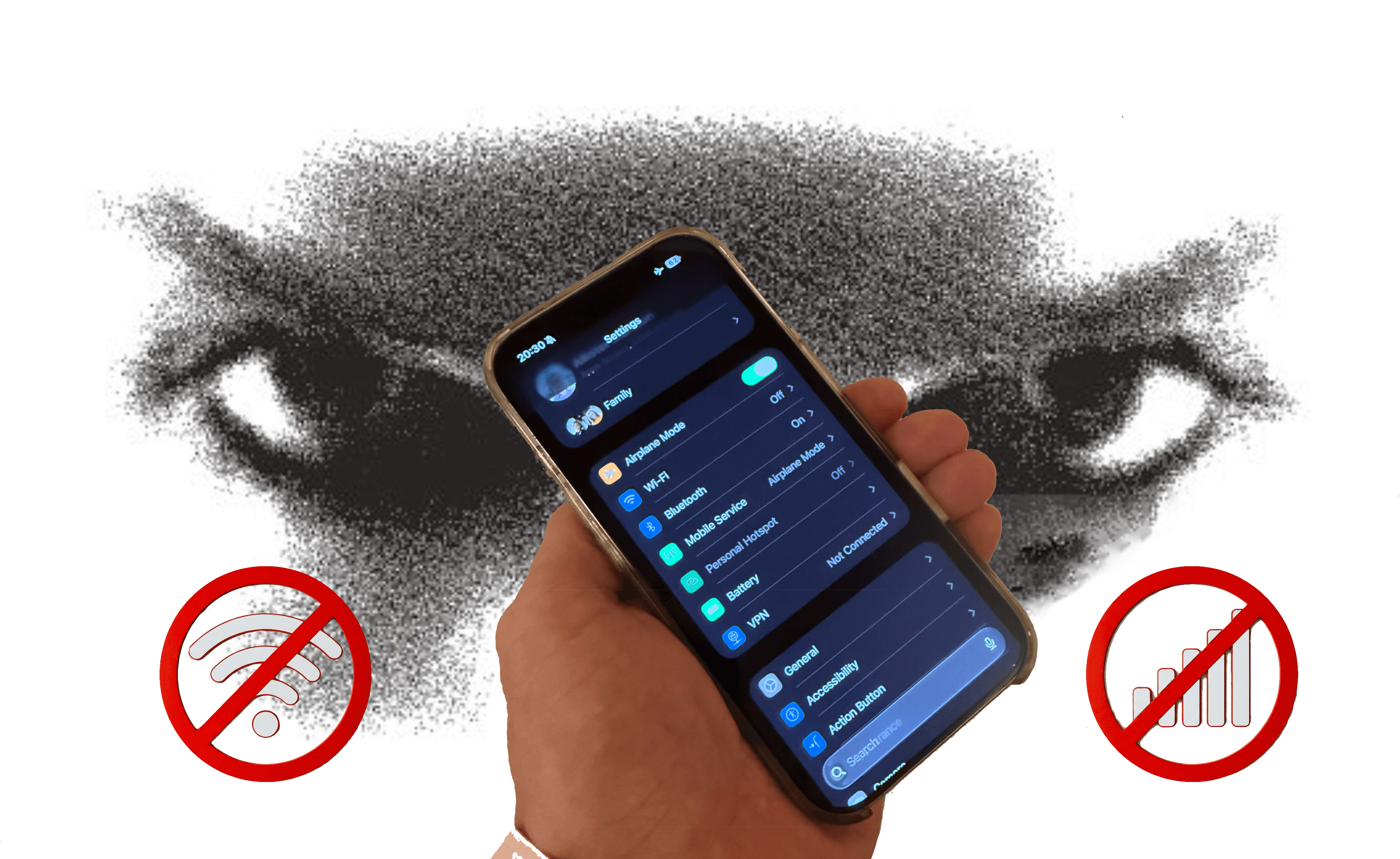
No subscription
No monthly fee. No account, no sign-up, no sign-in.
Private by design
No cloud, no upload, no server. Nobody can see your photos, including us.
Works offline
Capture, AI and search all run on your iPhone. It even works in airplane mode.
For the things you put down without thinking.
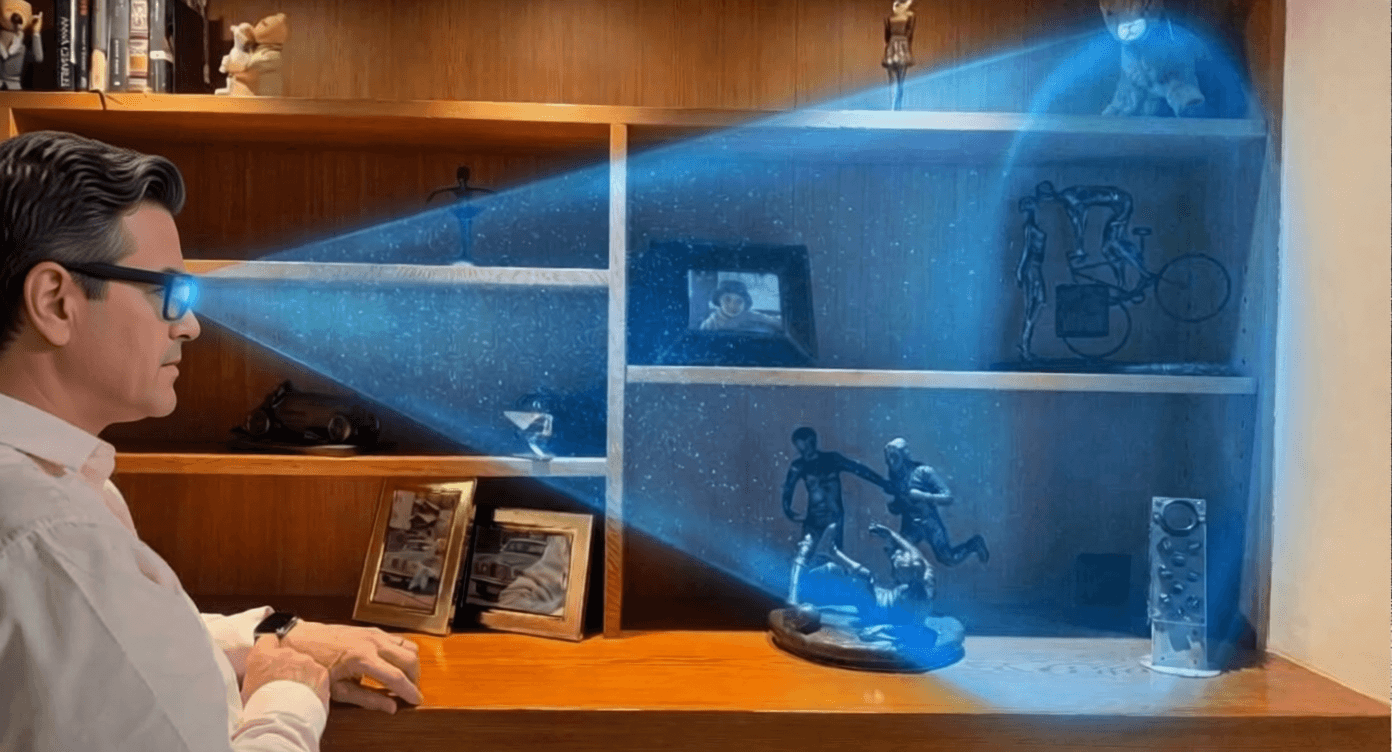
- Where did I leave my keys?
- Where is my wallet?
- Where did I put my reading glasses?
- Where is the remote?
- Where did I park?
- Where is my passport?
How it works
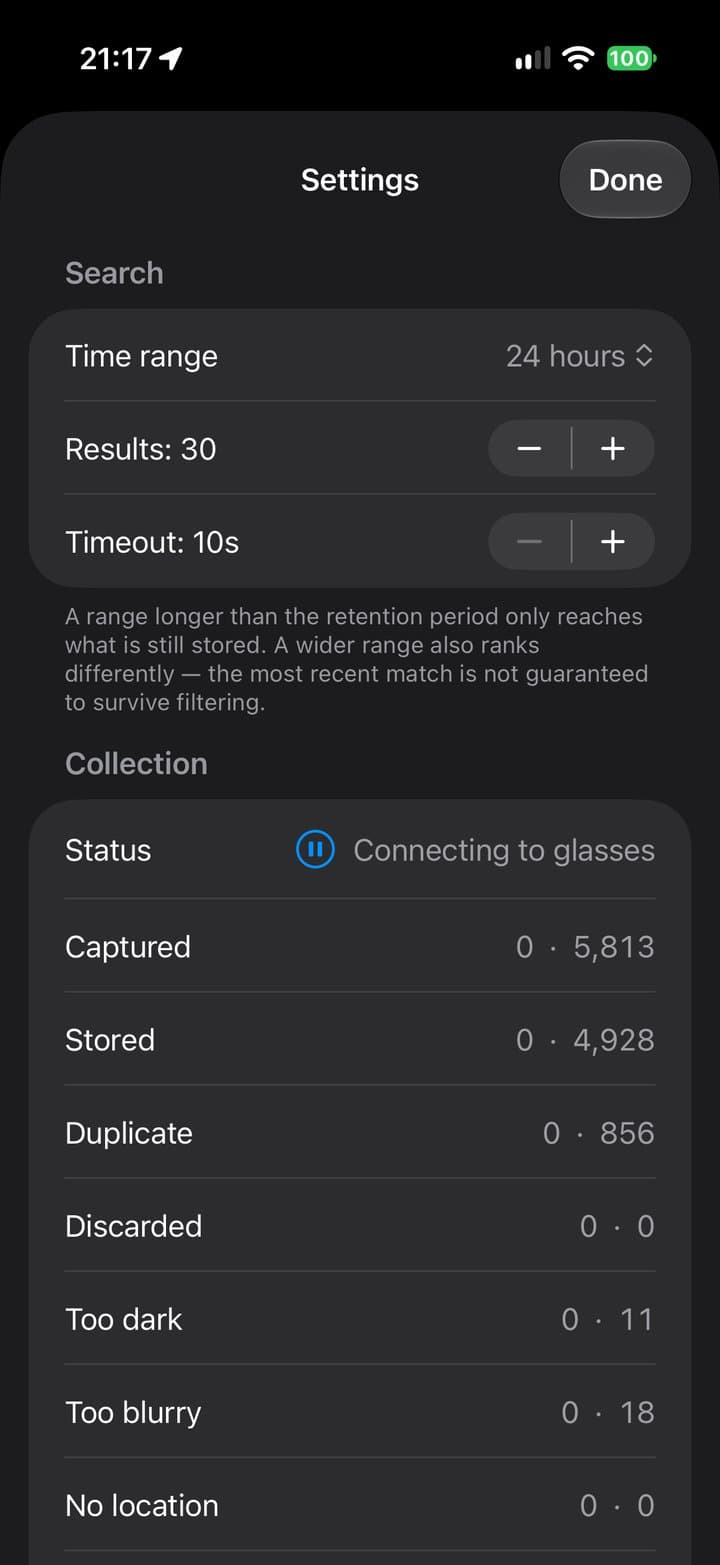
1. Wear your glasses
FindIt takes a photo at regular intervals through your glasses. It throws away dark, blurry and repeat shots.
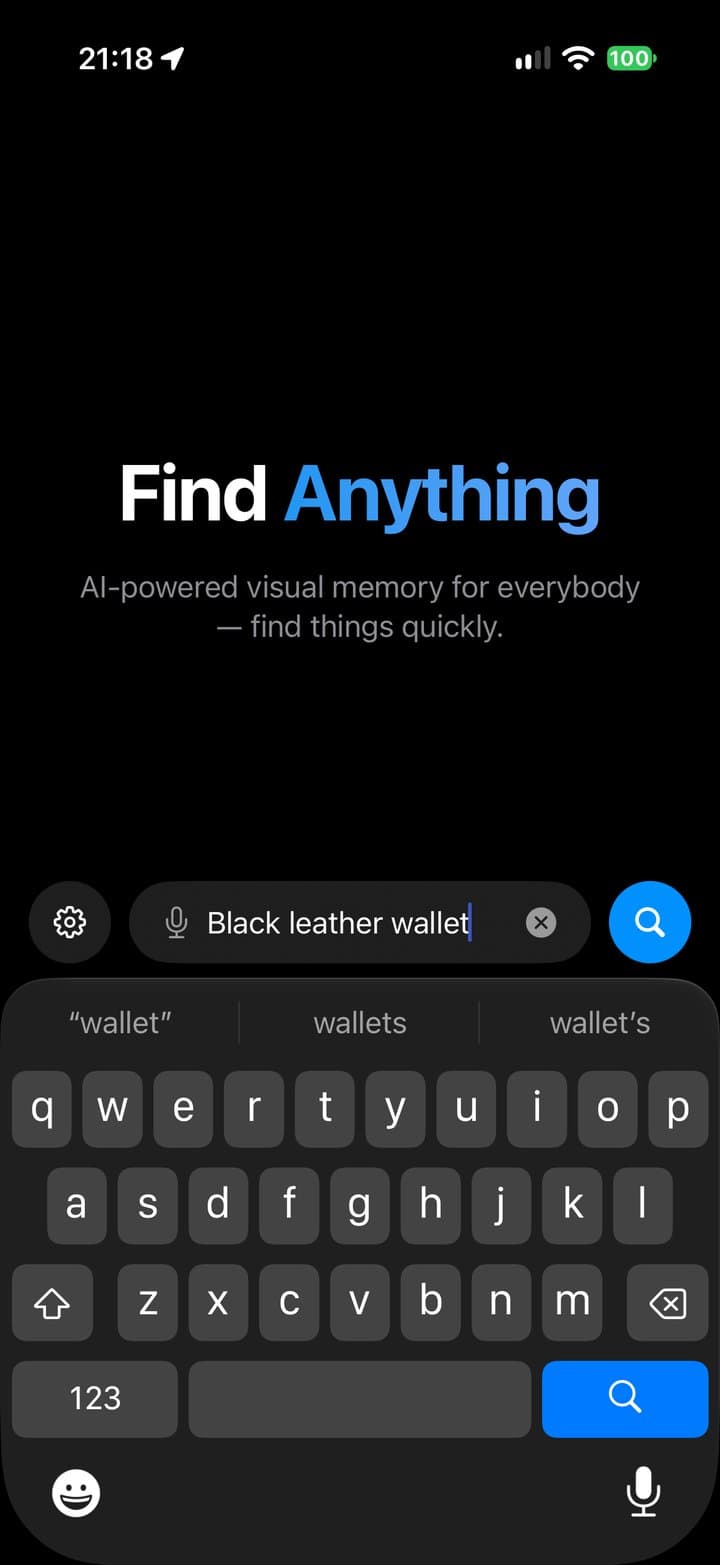
2. Ask
Type or say what you lost: keys, a ring, your wallet.
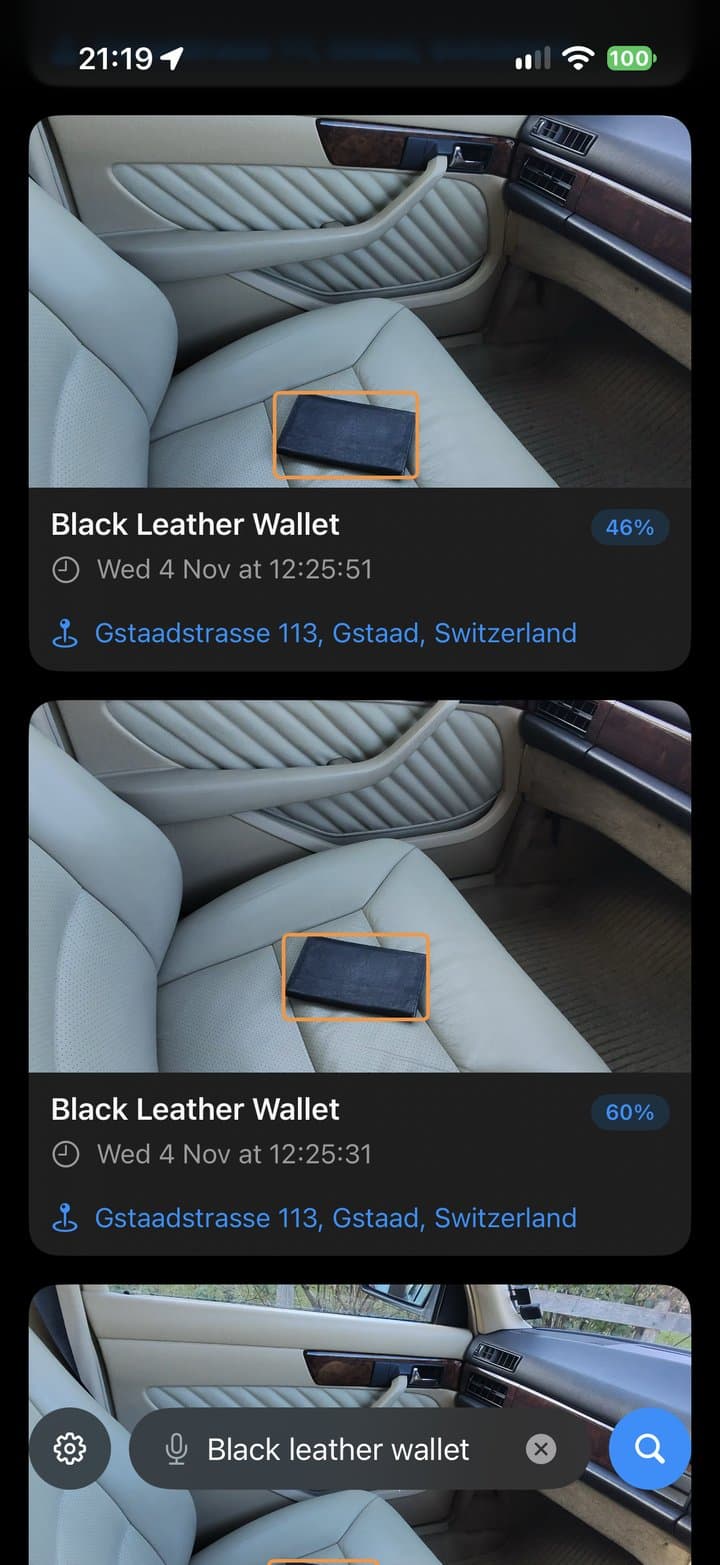
3. See where it is
FindIt shows the last photos of it, with the time and place, newest first.
What you need
- Phone
- iPhone with iOS 18 or later
- Glasses
- Meta AI glasses
- Meta AI app
- Installed and paired with your glasses
- Storage
- Up to 16 GB for photos. FindIt pauses when your phone has less than 4 GB free.
Request early access
FindIt is opening to a small group first. Leave your email and we'll send you an invite to try it through Apple's TestFlight app.
Common questions
Is there a subscription or an account?
No. You pay once, with nothing to renew, and there's no account, registration or sign-in.
Does anything get uploaded?
No. FindIt makes no network connections. Your photos, the AI and your searches stay on your iPhone.
Does it need the internet?
No. It works in airplane mode, with Bluetooth on for your glasses.
How long are photos kept?
You choose, from 1 to 90 days. The default is 7 days. FindIt uses at most 16 GB and removes the oldest photos first.
Does it record video?
No. It keeps still photos only.
What does Meta see?
Meta doesn’t see, and can’t access, anything FindIt captures.
How long does the glasses battery last with FindIt?
It depends on your glasses. Ray-Ban Meta (Gen 2) usually last 3 to 4.5 hours.
How do I delete everything?
Delete the app. All photos go with it.
Why do you ask for my email?
Only to send your early-access invite. The app itself never asks for anything.